
How to Borrow Items From Neighbors on the BorrowBuddy App
Need a drill, a camera or a tent for the weekend? Here's exactly how borrowing works in the BorrowBuddy app.
By BorrowBuddy Team
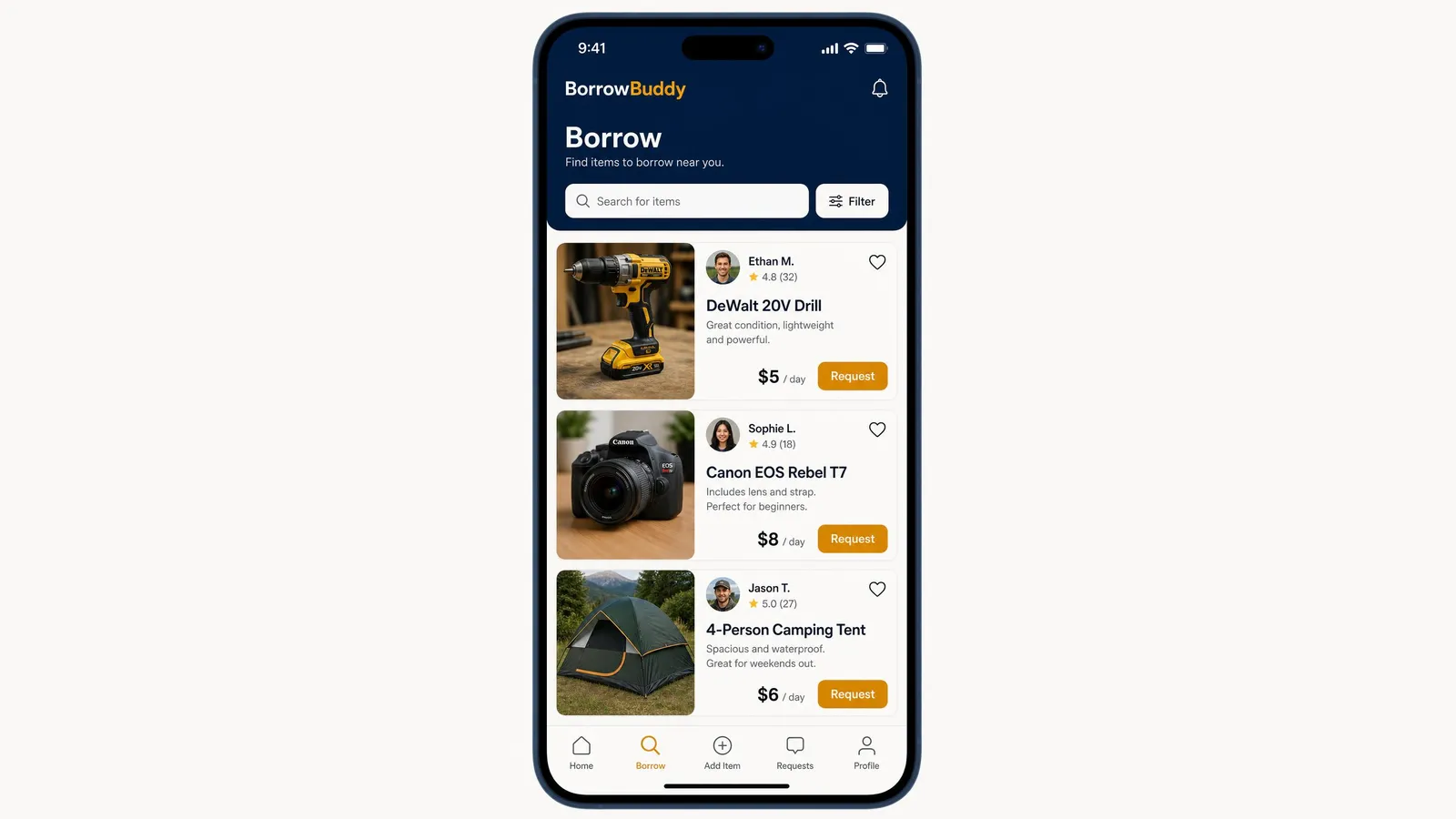
BorrowBuddy is an app to borrow items from neighbors — tools, cameras, camping gear, party supplies and everyday essentials from verified people nearby. Here's how borrowing works, step by step.
New to the app? Start with our getting started guide, or download BorrowBuddy on Google Play.
Step 1: Open the Borrow tab
Tap Borrow in the bottom menu. You'll see "Find items to borrow near you" with a search bar and a list of items available nearby.
Step 2: Search and filter
- Search for what you need — "drill," "tent," "camera," "folding table."
- Tap Filter to narrow results.
- Tap the heart on any listing to save it for later.
You can also ask AMARIS AI in plain English, like "I need a ladder this Saturday," and it will suggest matches.
Step 3: Compare listings
Each listing shows what you need to decide quickly:
- Photos of the item
- The lender's name and rating, with the number of reviews
- A short description of the item and its condition
- The price per day
Lenders with strong ratings and many reviews have a proven track record. Read the description carefully so you know what's included — for example, whether a camera comes with its lens and strap.
Step 4: Send a request
Tap Request on the item you want and choose your dates. The lender can accept, decline or suggest different times. You'll be notified when they respond, and you can message them to agree pickup details.
Step 5: Pick up with photos
When you meet:
- Check the item works and that everything listed is included.
- Photograph it together at handover so its condition is on record.
- Confirm the return date and time.
Any rental fee or deposit is handled in the app rather than in cash. Learn how protected payments work.
Step 6: Return on time and rate
Return the item clean, on time and in the same condition. Take photos again at return, then rate each other. Good borrowers build a strong trust score — and get lent to again.
Borrowing etiquette
- Ask only for what you need, for as long as you need it.
- Communicate early if you're running late.
- Report any damage honestly — accidents happen, and the photos help settle things fairly.
- Say thank you. A small thank-you goes a long way in a community.
Why borrow instead of buy?
Borrowing saves money and storage space, cuts waste and helps you get to know your neighbors. Read our guide to borrowing instead of buying for more ideas, and learn more about borrowing and lending on BorrowBuddy.
Download BorrowBuddy on Google Play to start borrowing today. On iPhone? Join the waitlist.
Related feature
Borrow & LendBorrow items from neighbors you trustLearn moreFrequently asked questions
How do I borrow something on BorrowBuddy?
Open the Borrow tab, search for the item, compare listings, tap Request and choose your dates. Once the lender accepts, agree the pickup and photograph the item at handover.
How much does it cost to borrow an item?
Each lender sets their own price per day, shown on the listing. Some items may also have a security deposit.
What happens if I damage a borrowed item?
Tell the lender straight away. The photos taken at pickup and return, plus the agreed terms, help you settle it fairly.
Can I save items to borrow later?
Yes. Tap the heart on any listing to save it.
Keep reading
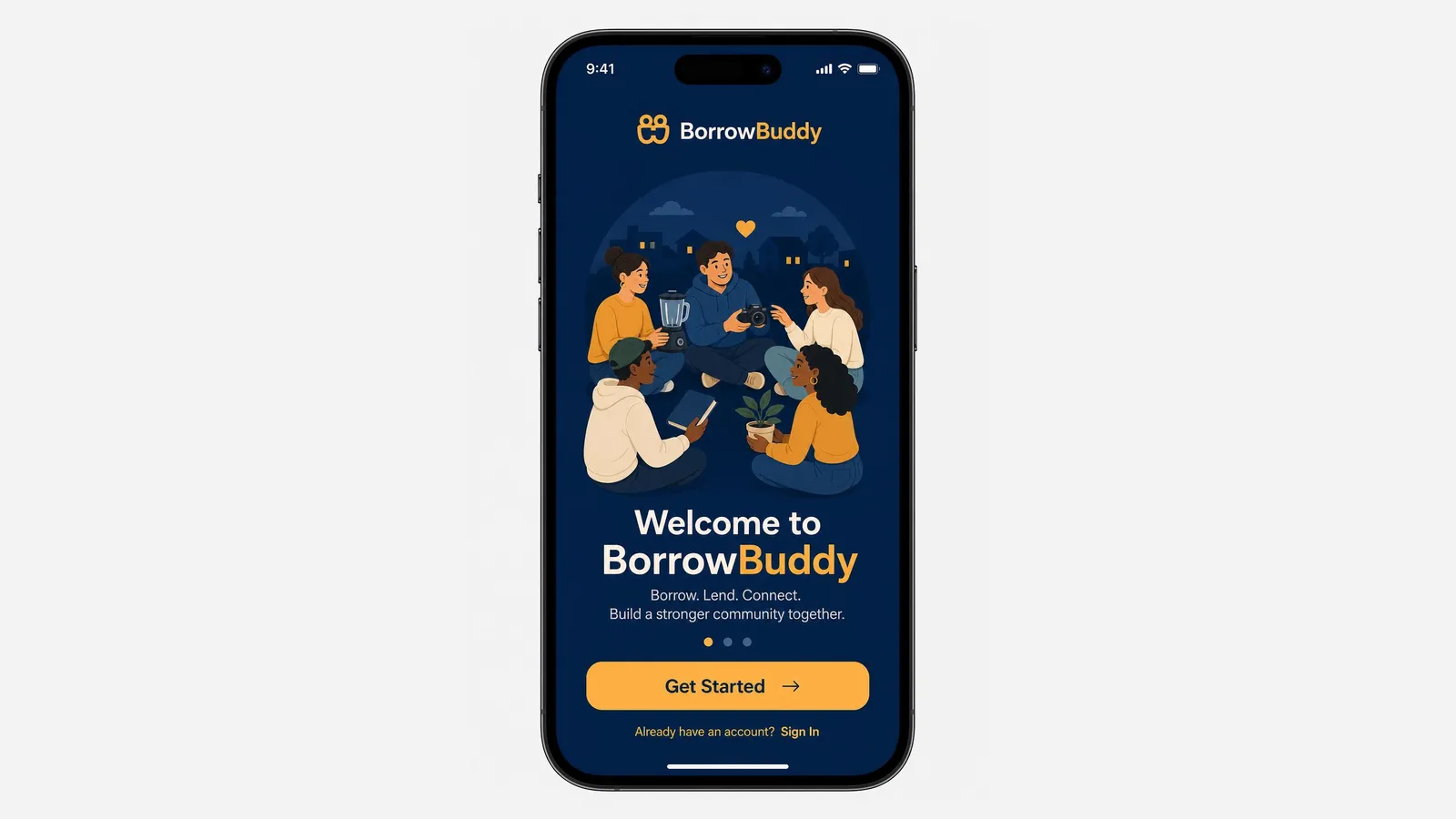
How to Get Started With the BorrowBuddy App: Download, Sign Up and Set Up
BorrowBuddy is now on Google Play. Here's a quick walkthrough from download to your first borrow, lend or swap.
Read more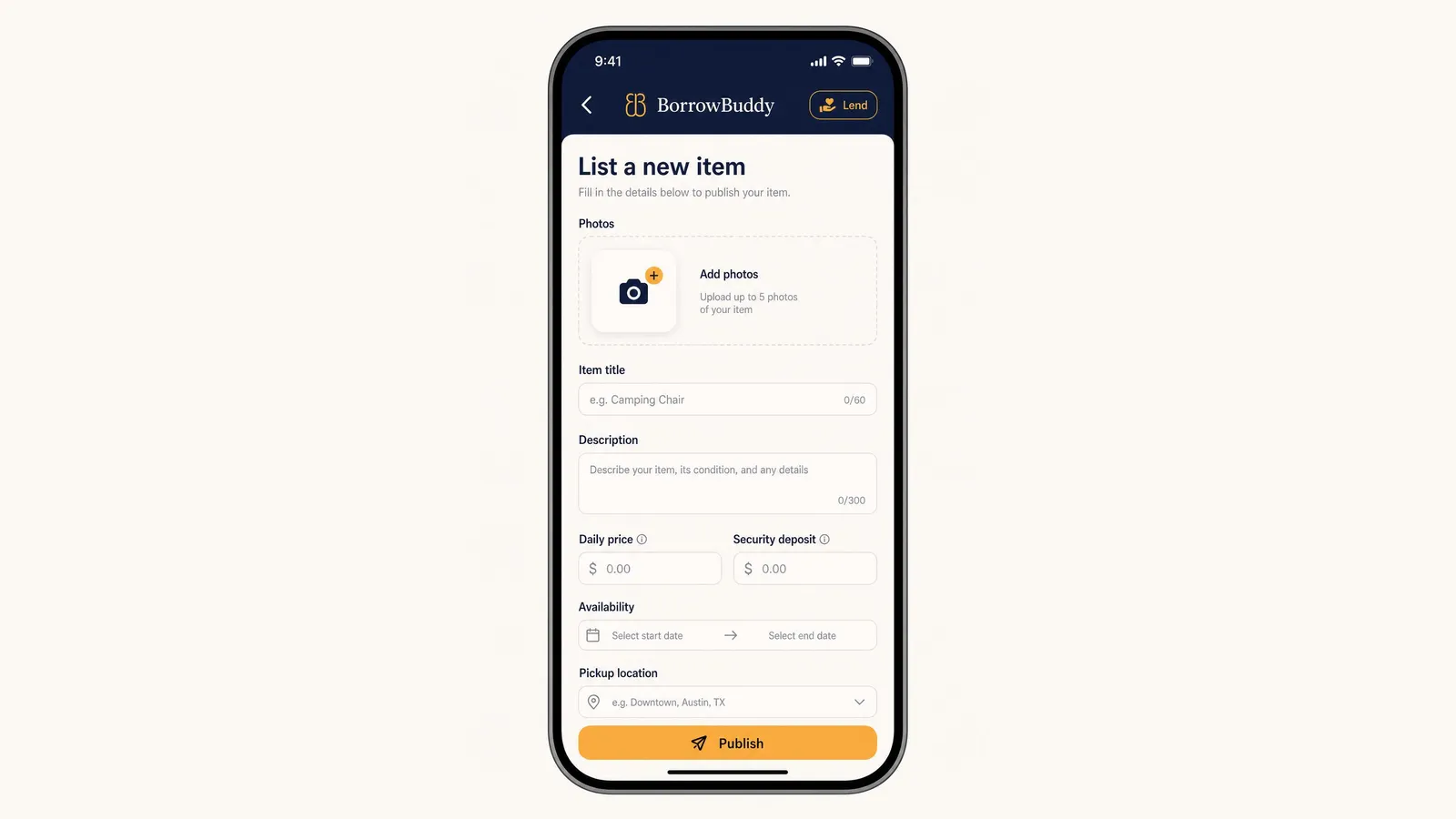
How to List an Item and Rent It Out on BorrowBuddy
Your camera, tools and camping gear could be earning money. Here's how to list an item on BorrowBuddy in a few minutes.
Read more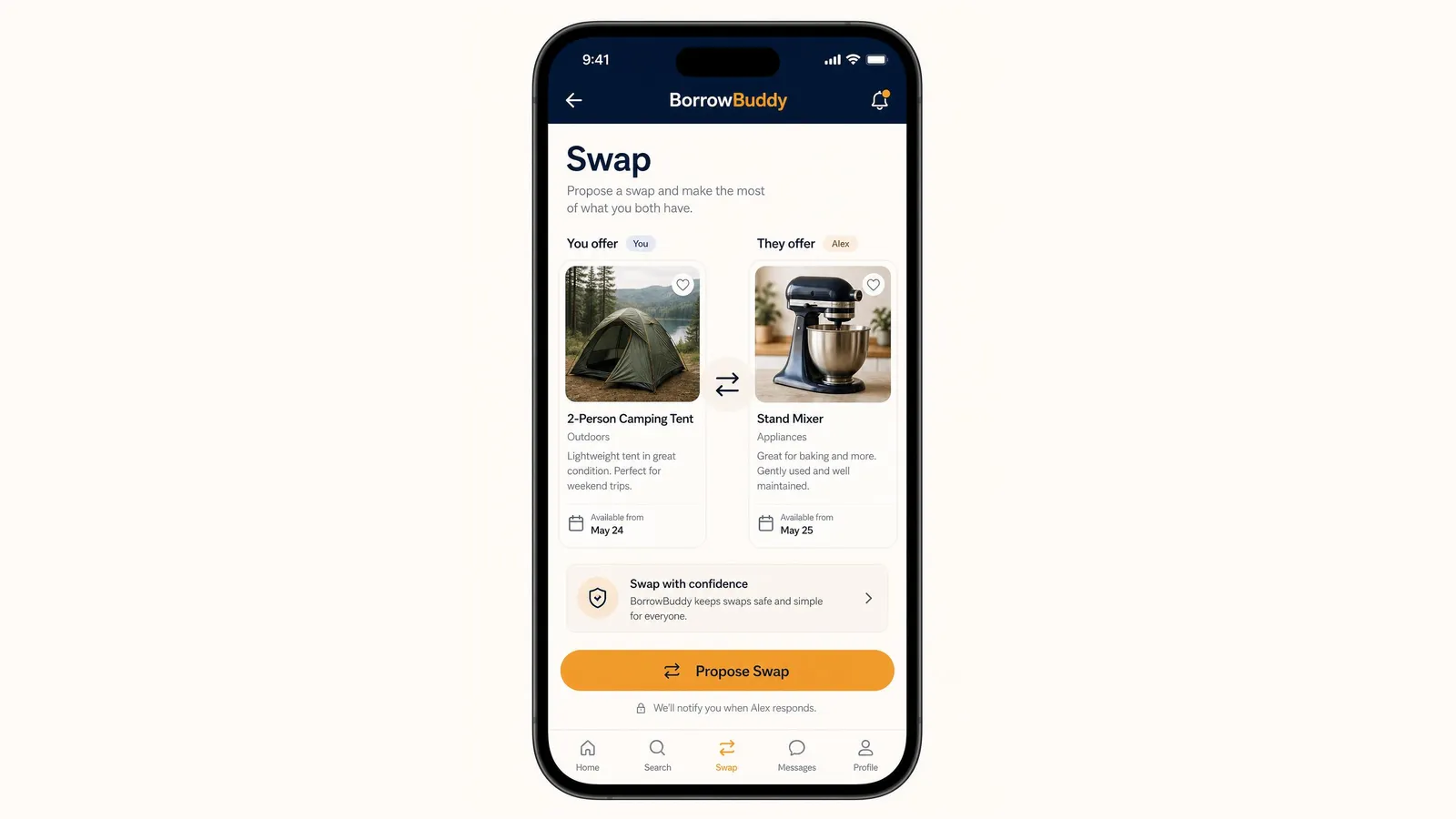
How to Propose a Swap on BorrowBuddy (Trade Items Without Cash)
A tent for a stand mixer? Here's how swapping works in the BorrowBuddy app — from choosing items to completing the trade.
Read more