
How to Propose a Swap on BorrowBuddy (Trade Items Without Cash)
A tent for a stand mixer? Here's how swapping works in the BorrowBuddy app — from choosing items to completing the trade.
By BorrowBuddy Team
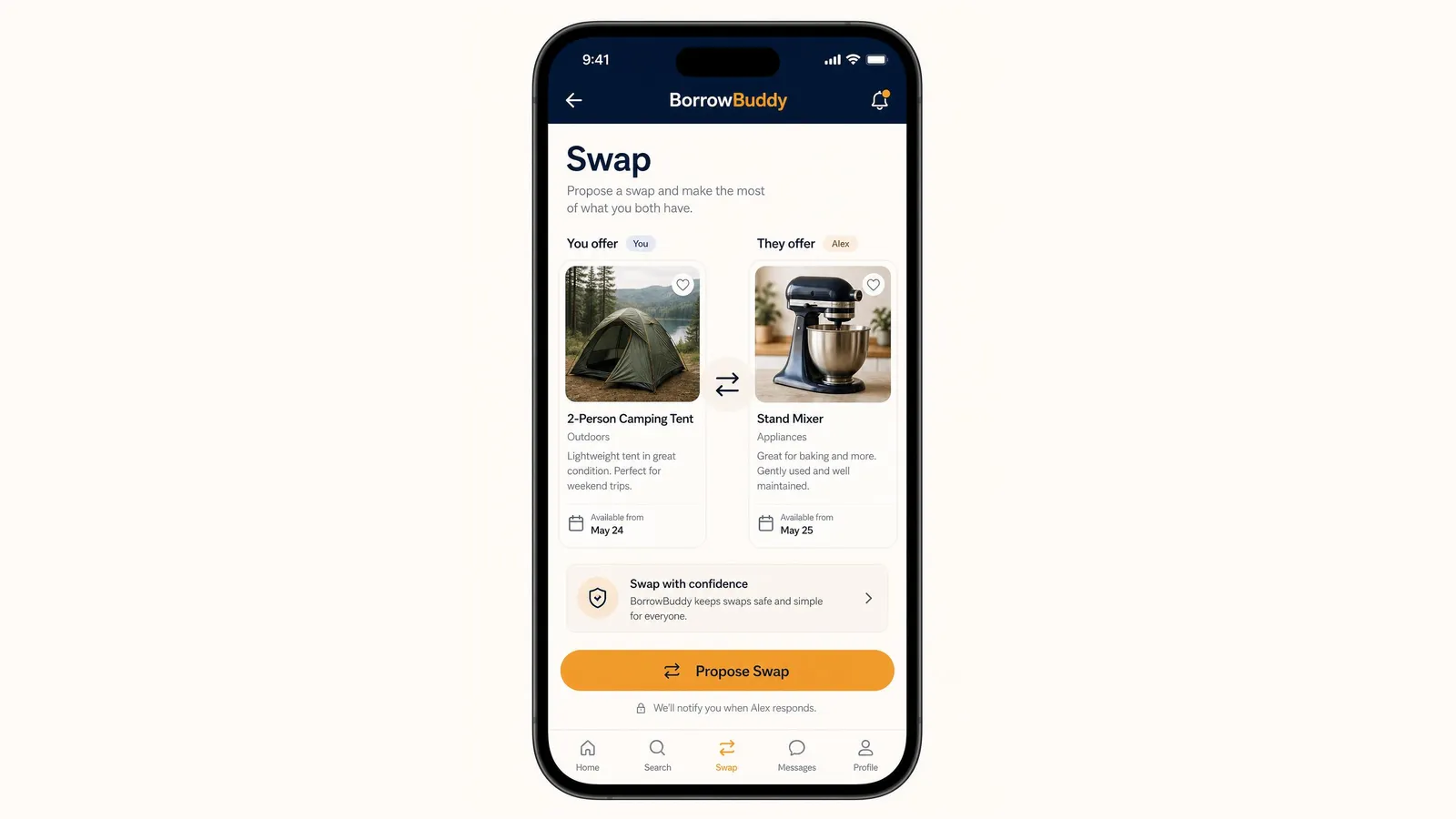
BorrowBuddy is a swap items with neighbors app: you trade something you no longer need for something you do — no cash required. The swap screen shows both items side by side, so everyone knows exactly what they're trading. Here's how it works.
Not on BorrowBuddy yet? Download the app on Google Play.
Step 1: Open Swap
Tap Swap in the bottom menu. You'll see "Propose a swap and make the most of what you both have."
Step 2: Choose what you offer and what you want
The swap screen shows two cards side by side:
- You offer — the item you're putting into the trade
- They offer — the item you'd like in return
Each card shows the item's photo, category, a short description of its condition and the date it's available from. For example: a lightweight 2-person camping tent in great condition, in exchange for a gently used stand mixer.
Step 3: Check the details
Before proposing:
- Read the other item's description carefully.
- Look at the other member's profile and trust score.
- Make sure your own description is honest — include any wear or missing parts.
- Check the available-from dates so the timing works for both of you.
Step 4: Propose the swap
Tap Propose Swap. BorrowBuddy notifies you when the other member responds. They can accept, decline or message you to adjust the trade.
Step 5: Meet and complete the trade
When you meet:
- Choose a public or familiar place, especially for a first swap.
- Inspect the item before handing yours over — try it, switch it on, check the parts.
- Photograph the exchange so both of you have a record.
- Confirm the swap in the app once you're both happy.
Swap with confidence
BorrowBuddy is designed to keep swaps safe and simple: profiles show completed verification checks, the trade is agreed in the app before you meet, and you can report a trade that goes wrong. If a trade isn't quite even, you can balance it with a small payment both people agree on — see how payments work.
What swaps well?
Kids' clothes and gear, winter clothing, kitchen equipment, books and games, hobby and sports gear, and plants are all popular. For more advice, read how to swap items with neighbors and avoid bad trades, or learn more about Swaps on BorrowBuddy.
Download BorrowBuddy on Google Play and propose your first swap. On iPhone? Join the waitlist.
Related feature
SwapTrade items with neighbors, no cash neededLearn moreFrequently asked questions
How do I propose a swap on BorrowBuddy?
Open the Swap tab, choose the item you're offering and the item you want, check both descriptions and the other member's profile, then tap Propose Swap.
Do I need to pay anything to swap?
No. Swaps are item-for-item trades. If one item is worth more, you can choose to balance it with a small payment both people agree on.
How will I know if someone accepts my swap?
BorrowBuddy notifies you when the other member responds to your proposal.
Where should I meet to complete a swap?
A public or familiar place is best, especially the first time. Inspect the item before handing yours over and photograph the exchange.
Keep reading
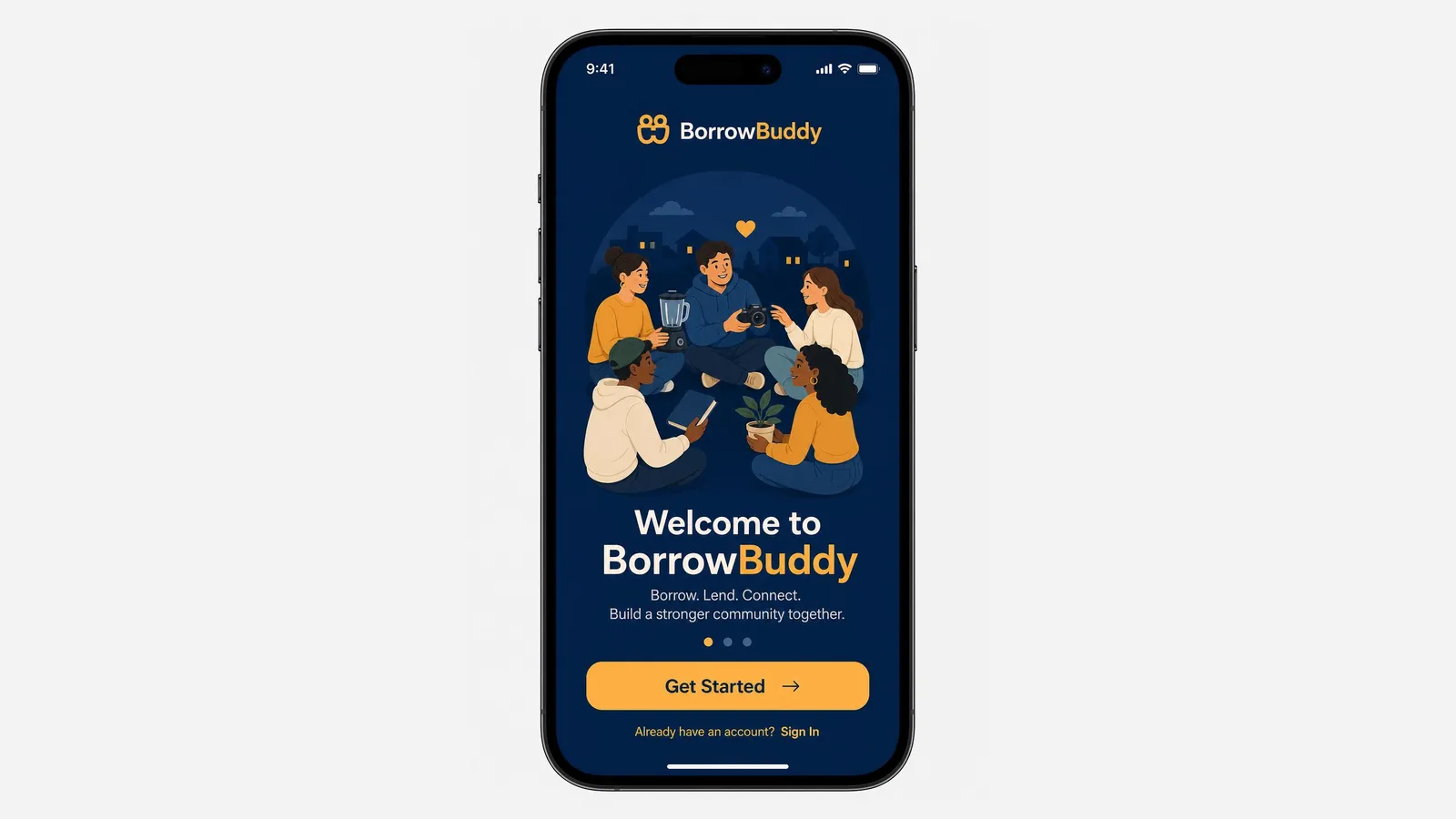
How to Get Started With the BorrowBuddy App: Download, Sign Up and Set Up
BorrowBuddy is now on Google Play. Here's a quick walkthrough from download to your first borrow, lend or swap.
Read more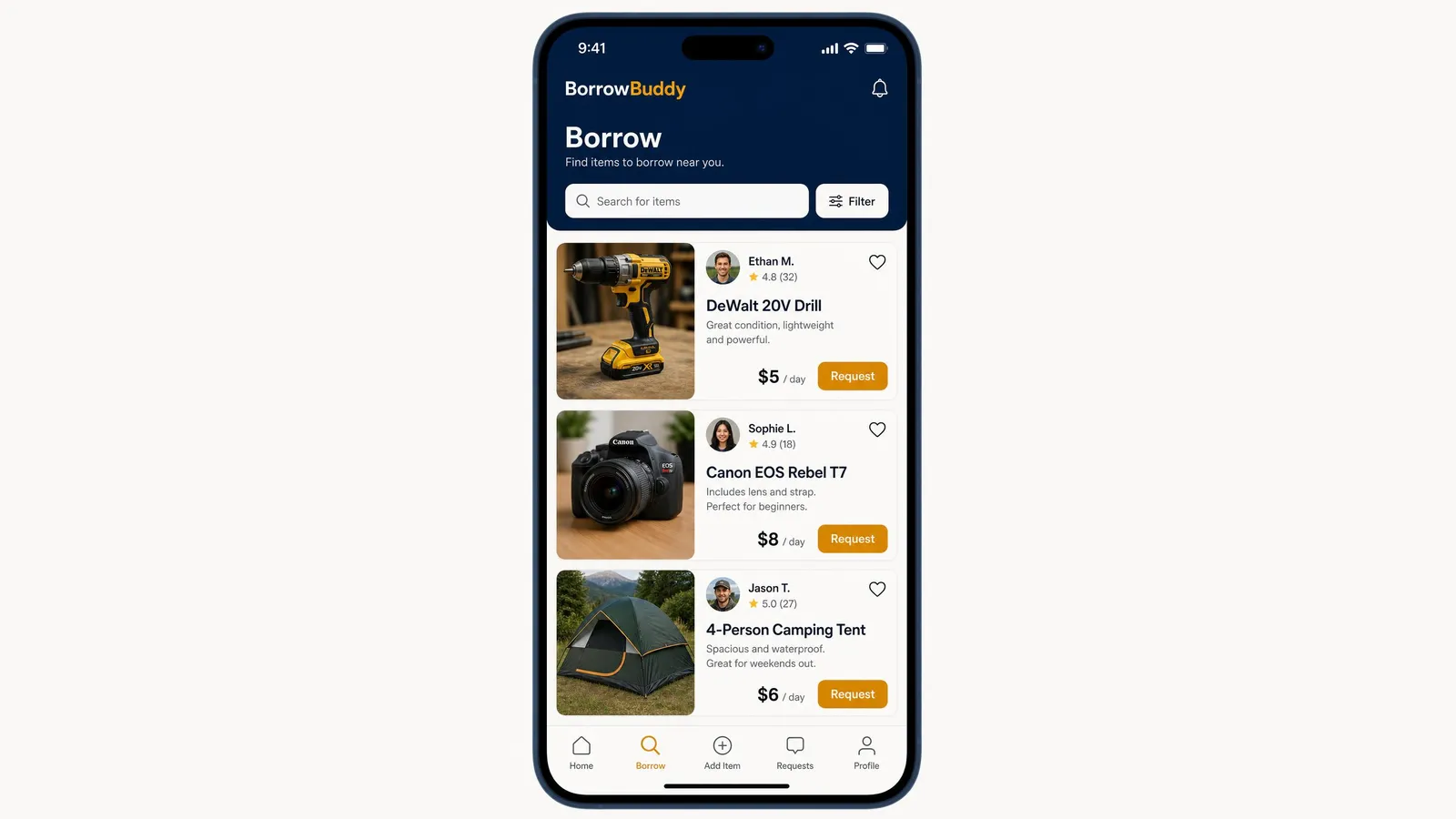
How to Borrow Items From Neighbors on the BorrowBuddy App
Need a drill, a camera or a tent for the weekend? Here's exactly how borrowing works in the BorrowBuddy app.
Read more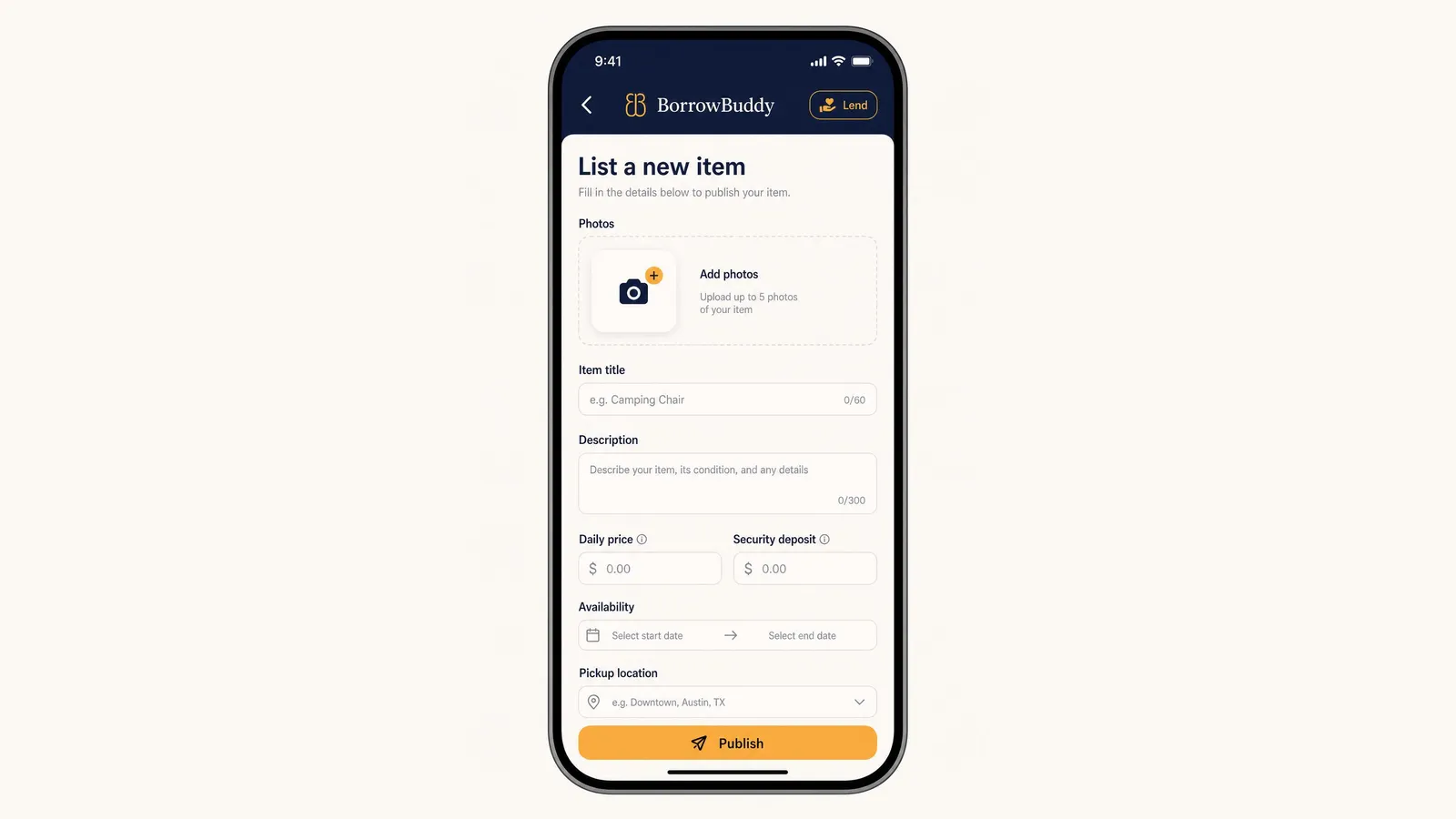
How to List an Item and Rent It Out on BorrowBuddy
Your camera, tools and camping gear could be earning money. Here's how to list an item on BorrowBuddy in a few minutes.
Read more