
How to Get Started With the BorrowBuddy App: Download, Sign Up and Set Up
BorrowBuddy is now on Google Play. Here's a quick walkthrough from download to your first borrow, lend or swap.
By BorrowBuddy Team
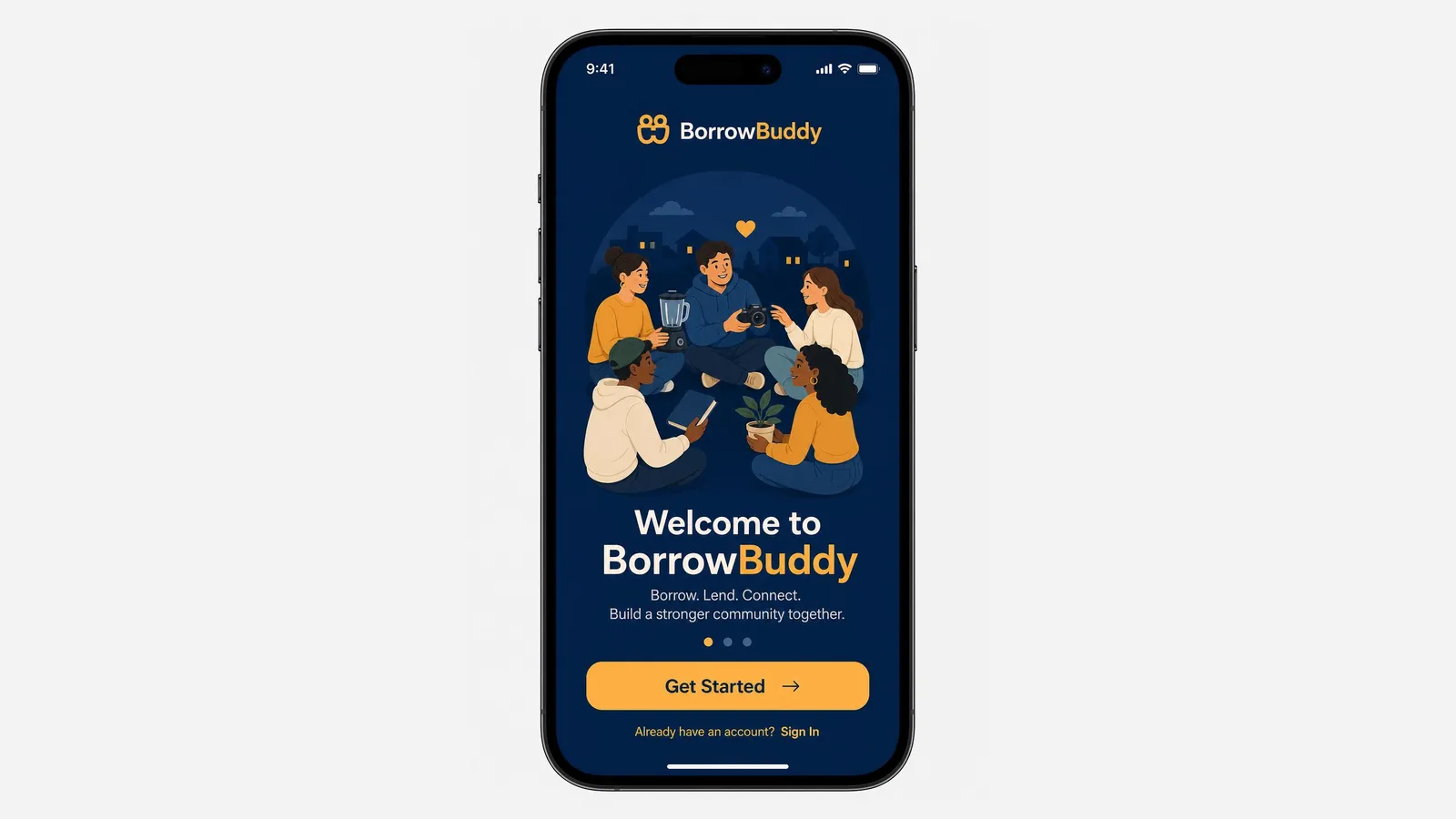
BorrowBuddy is a borrow and lend app for community circles: borrow items from people nearby, lend or rent out what you own, swap, find trusted local services and organize events — all with verified members. The Android app is now available on Google Play.
This guide takes you from download to your first exchange in a few minutes.
Step 1: Download the app
On an Android phone, get BorrowBuddy on Google Play and tap Install. BorrowBuddy is free to download and free to join.
Using an iPhone? The iOS app is coming soon. Join the waitlist and we'll let you know when it's ready — you'll also get a personal referral link to share with friends.
Step 2: Create your account
Open the app and you'll see the welcome screen: "Borrow. Lend. Connect. Build a stronger community together."
- Tap Get Started to create a new account.
- Already signed up? Tap Sign In.
Use an email address and phone number you check regularly, because that's how members and BorrowBuddy will reach you about requests and bookings.
Step 3: Verify and complete your profile
Trust is at the heart of BorrowBuddy. A complete, verified profile makes people far more comfortable lending to you, swapping with you or booking your services.
- Verify your identity when prompted.
- Add a clear profile photo and a short introduction.
- Join your circles — your neighborhood, church or mosque, family or hometown association.
Eligible confirmed activity may then inform your CTC Trust Score™ under the published methodology.
Step 4: Explore the main features
Once you're in, here's what you can do:
- Borrow — search for items near you and send a request. See our guide on how to borrow items on BorrowBuddy.
- Lend and earn — list something you own with a daily price and optional deposit. See how to list and rent out items.
- Swap — offer an item and propose a trade. See how to propose a swap.
- Services — find verified local providers. See how to find trusted local services.
- Events — RSVP to community events or host your own with QR check-in. See how to host a community event.
- AMARIS AI — ask in plain English, like "I need a plumber today," and get matches. Learn more about AMARIS AI.
Step 5: Make your first exchange
The easiest first step is often borrowing something small — a drill, a folding table, a camping chair — or listing an item you rarely use. Small, successful exchanges build your trust score quickly.
Tips for a great start
- Fill in every profile field. Complete profiles get more responses.
- Respond quickly to requests and messages.
- Take clear photos when you list items, and at every handover.
- Rate honestly after each exchange — it helps the whole community.
- Invite friends. BorrowBuddy works best when your circle is on it too.
The bottom line
Getting started takes only a few minutes: download from Google Play, create your account, verify your profile, join your circles and make your first exchange. Download BorrowBuddy on Google Play — or, on iPhone, join the waitlist.
Related feature
Borrow & LendBorrow items from neighbors you trustLearn moreFrequently asked questions
Where can I download the BorrowBuddy app?
The Android app is available on Google Play. The iOS app is coming soon — iPhone users can join the waitlist on borrowbuddynexus.com to be notified.
Is BorrowBuddy free?
Yes. BorrowBuddy is free to download and free to join. Individual lenders may set their own rental prices or deposits.
Why do I need to verify my profile?
Verification helps members know who they're dealing with, which makes borrowing, lending, swapping and booking services safer for everyone.
What should I do first after signing up?
Complete and verify your profile, join your circles, then try a small first exchange such as borrowing a tool or listing an item you rarely use.
Keep reading
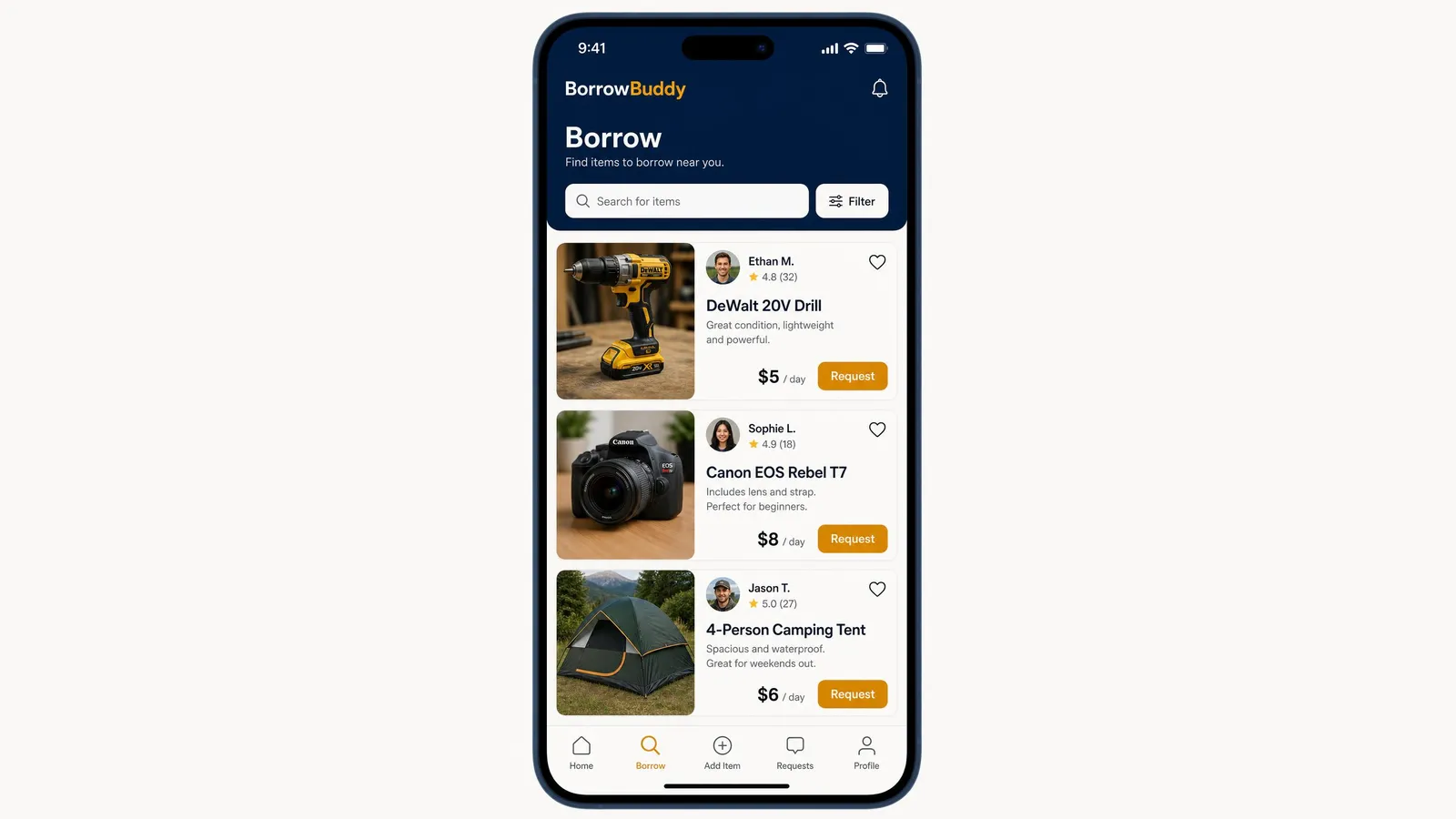
How to Borrow Items From Neighbors on the BorrowBuddy App
Need a drill, a camera or a tent for the weekend? Here's exactly how borrowing works in the BorrowBuddy app.
Read more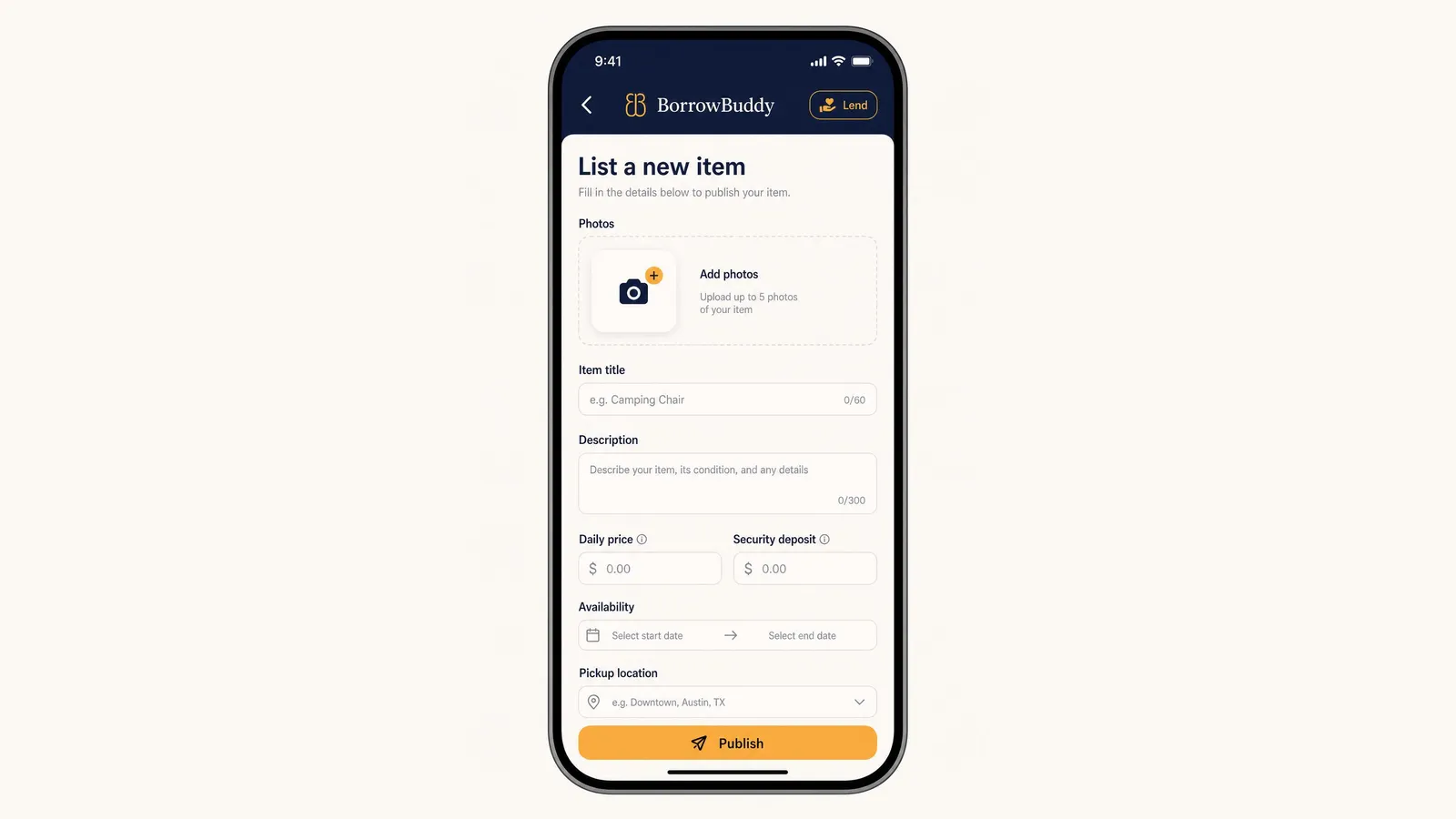
How to List an Item and Rent It Out on BorrowBuddy
Your camera, tools and camping gear could be earning money. Here's how to list an item on BorrowBuddy in a few minutes.
Read more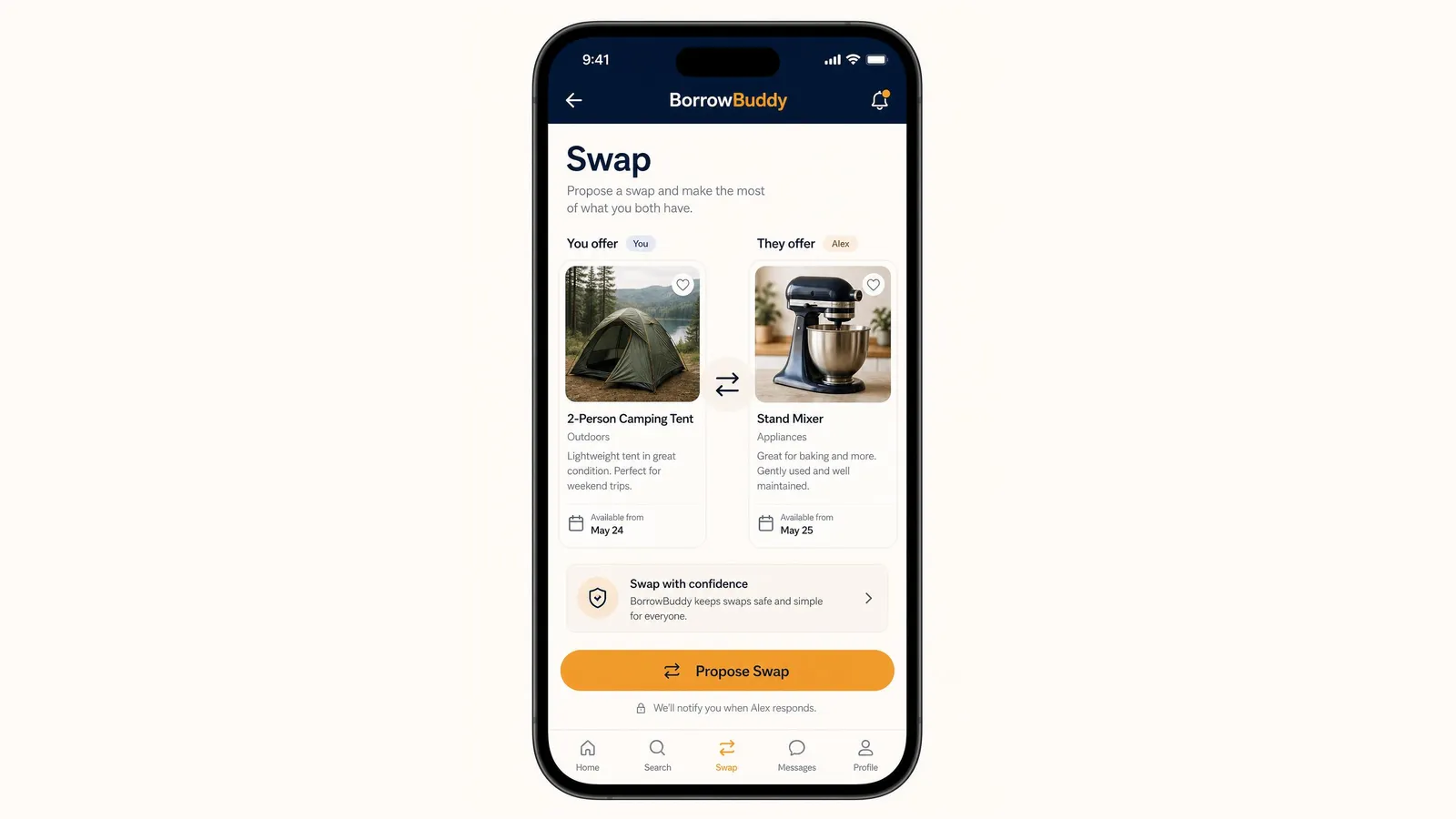
How to Propose a Swap on BorrowBuddy (Trade Items Without Cash)
A tent for a stand mixer? Here's how swapping works in the BorrowBuddy app — from choosing items to completing the trade.
Read more