
How to Host a Community Event With QR Check-In on BorrowBuddy
From a neighborhood meetup to a naming ceremony, here's how to create an event, collect RSVPs and check guests in with QR codes on BorrowBuddy.
By BorrowBuddy Team
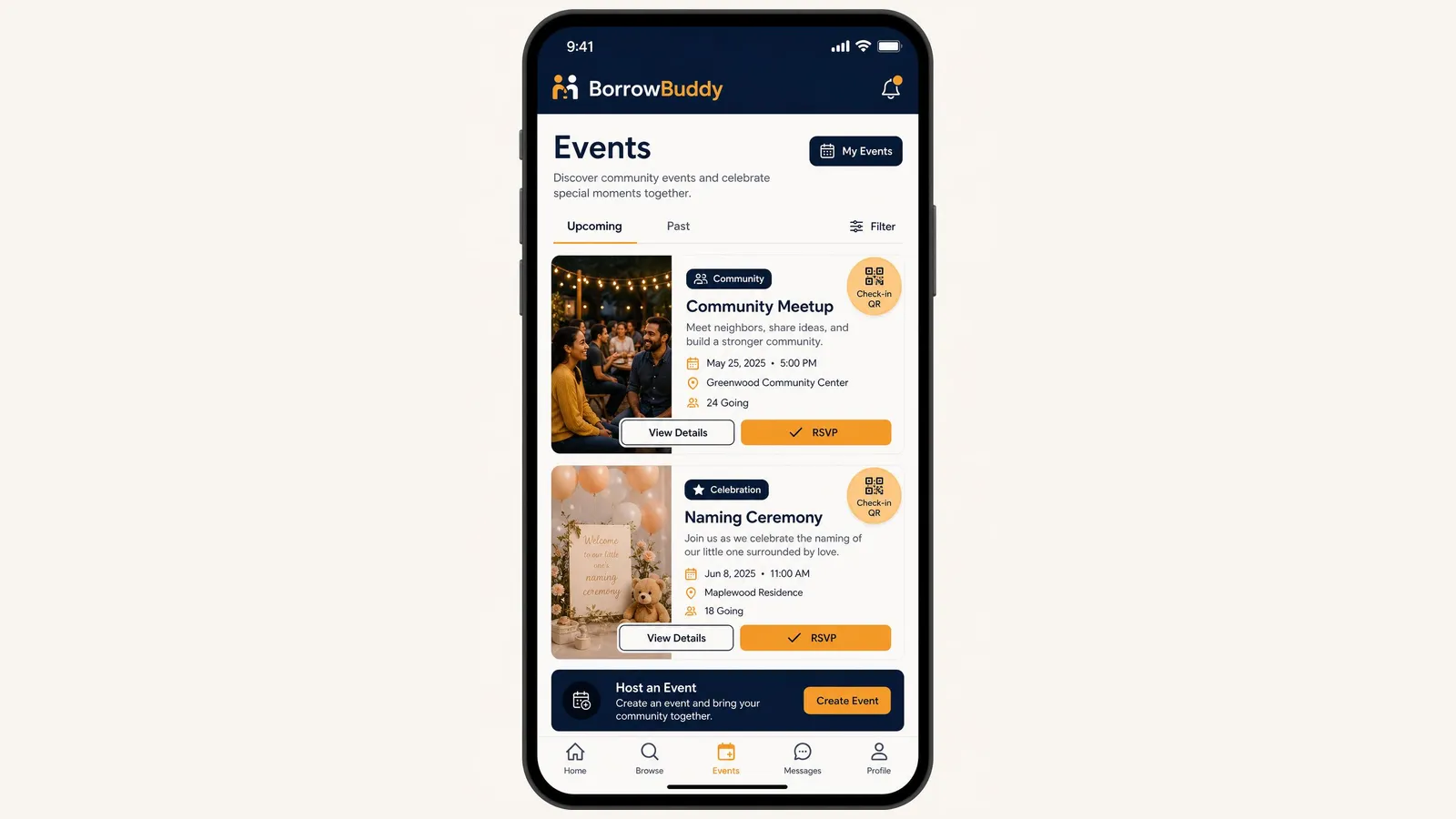
BorrowBuddy includes a community event app with QR tickets built into the same app you use to borrow, lend and swap. You can discover events nearby, RSVP in one tap, or host your own and check guests in with QR codes. Here's how.
Get the app first: download BorrowBuddy on Google Play.
Finding and joining events
Tap Events in the bottom menu. You'll see "Discover community events and celebrate special moments together," with Upcoming and Past tabs and a Filter option.
Each event card shows:
- A photo and a tag such as Community or Celebration
- The date, time and location
- How many people are going
- A Check-in QR badge for events that use QR entry
Tap View Details to learn more, or RSVP to save your place.
Step 1: Create your event
At the bottom of the Events screen, find "Host an Event — Create an event and bring your community together" and tap Create Event. Add:
- Event name and description — what it is and who it's for
- Date and start time
- Location — the venue name and address
- A photo that gives guests a feel for the event
Step 2: Share it with your community
Share the event with your circles — your neighborhood, church, family or association — so the right people see it. Guests RSVP in the app, and you can follow numbers as they grow.
Step 3: Check guests in with QR codes
On the day, guests show their QR code at the door and you or a helper scans it. It's faster than a paper list, gives you an accurate headcount and makes it easy to spot duplicate entries. For tips on running a smooth door, read our QR code event check-in guide.
Step 4: Manage your events
Tap My Events at the top of the Events screen to see the events you're hosting or attending, check RSVPs and keep track of what's coming up.
Make your event easier with the rest of BorrowBuddy
- Borrow equipment — tables, chairs, coolers and speakers — from members nearby on Borrow & Lend.
- Book providers — caterers, DJs, photographers and decorators — in the services directory.
- Recognize volunteers — record the hours people give with CTC™ time banking.
Event ideas
Community meetups, naming ceremonies, birthdays, graduations, cultural nights, church programs, association meetings and neighborhood cookouts. Planning a celebration? See our guides to naming ceremonies in the US and owambe parties on a budget.
Download BorrowBuddy on Google Play and host your next community event. On iPhone? Join the waitlist. Learn more about Events on BorrowBuddy.
Frequently asked questions
How do I create an event on BorrowBuddy?
Open the Events tab, tap Create Event in the Host an Event section, add the name, description, date, time, location and a photo, then share it with your circles.
How do guests RSVP?
Guests open the event in the app and tap RSVP. Hosts can follow RSVPs as they come in.
How does QR check-in work at a BorrowBuddy event?
Guests show their QR code at the door and the host or a helper scans it, which confirms their place and gives an accurate headcount.
Where can I see the events I'm hosting?
Tap My Events at the top of the Events screen.
Keep reading
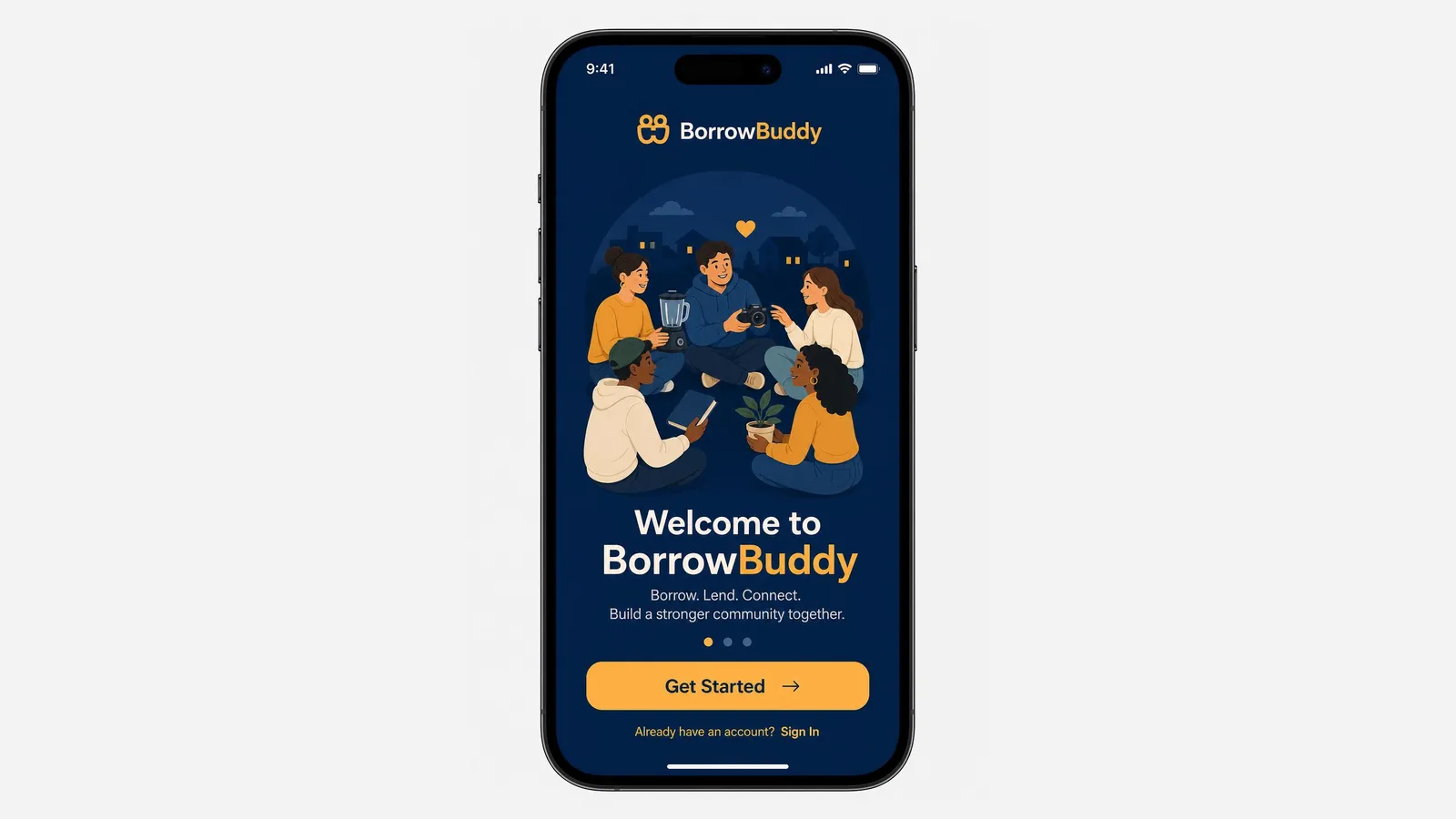
How to Get Started With the BorrowBuddy App: Download, Sign Up and Set Up
BorrowBuddy is now on Google Play. Here's a quick walkthrough from download to your first borrow, lend or swap.
Read more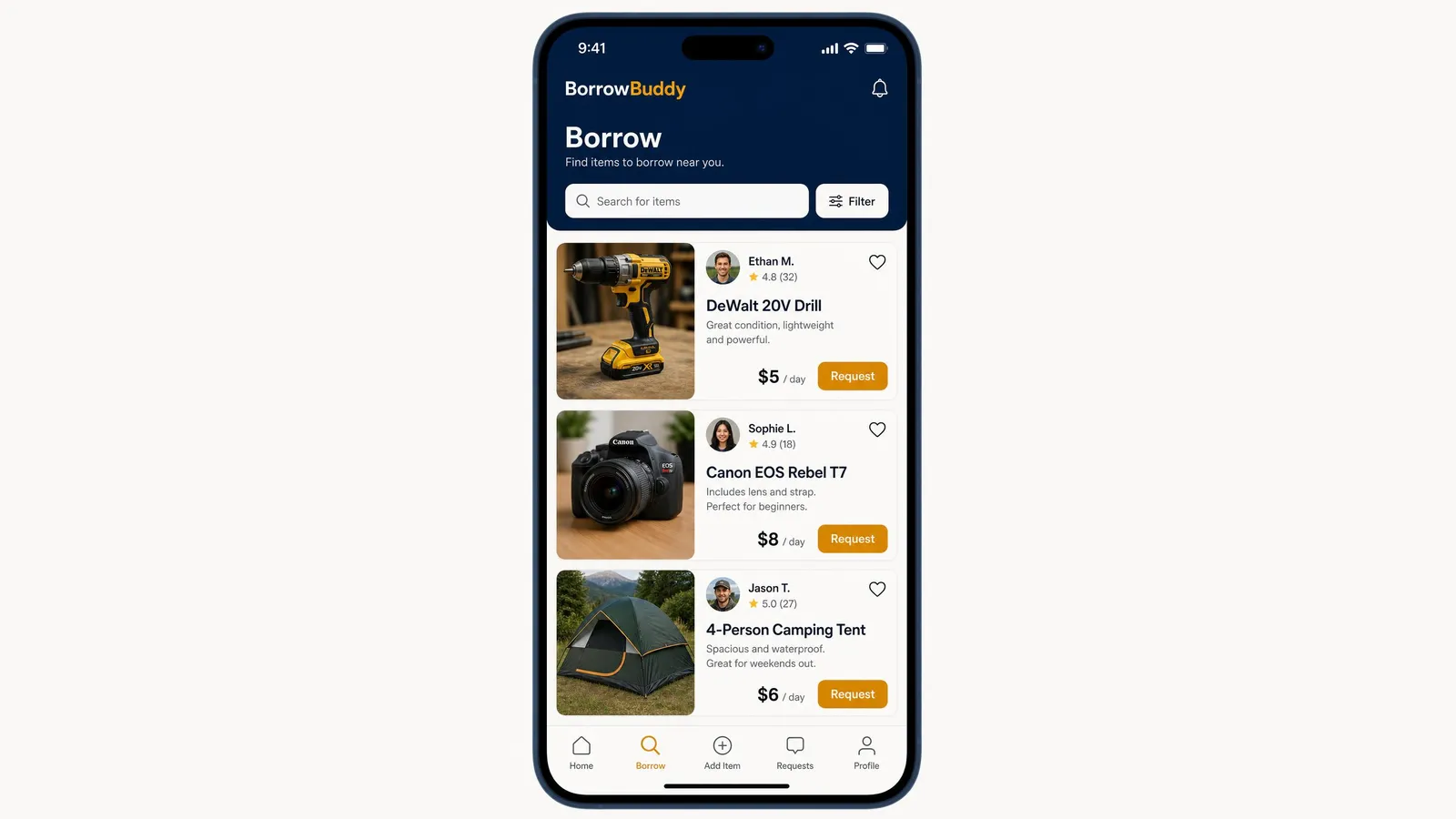
How to Borrow Items From Neighbors on the BorrowBuddy App
Need a drill, a camera or a tent for the weekend? Here's exactly how borrowing works in the BorrowBuddy app.
Read more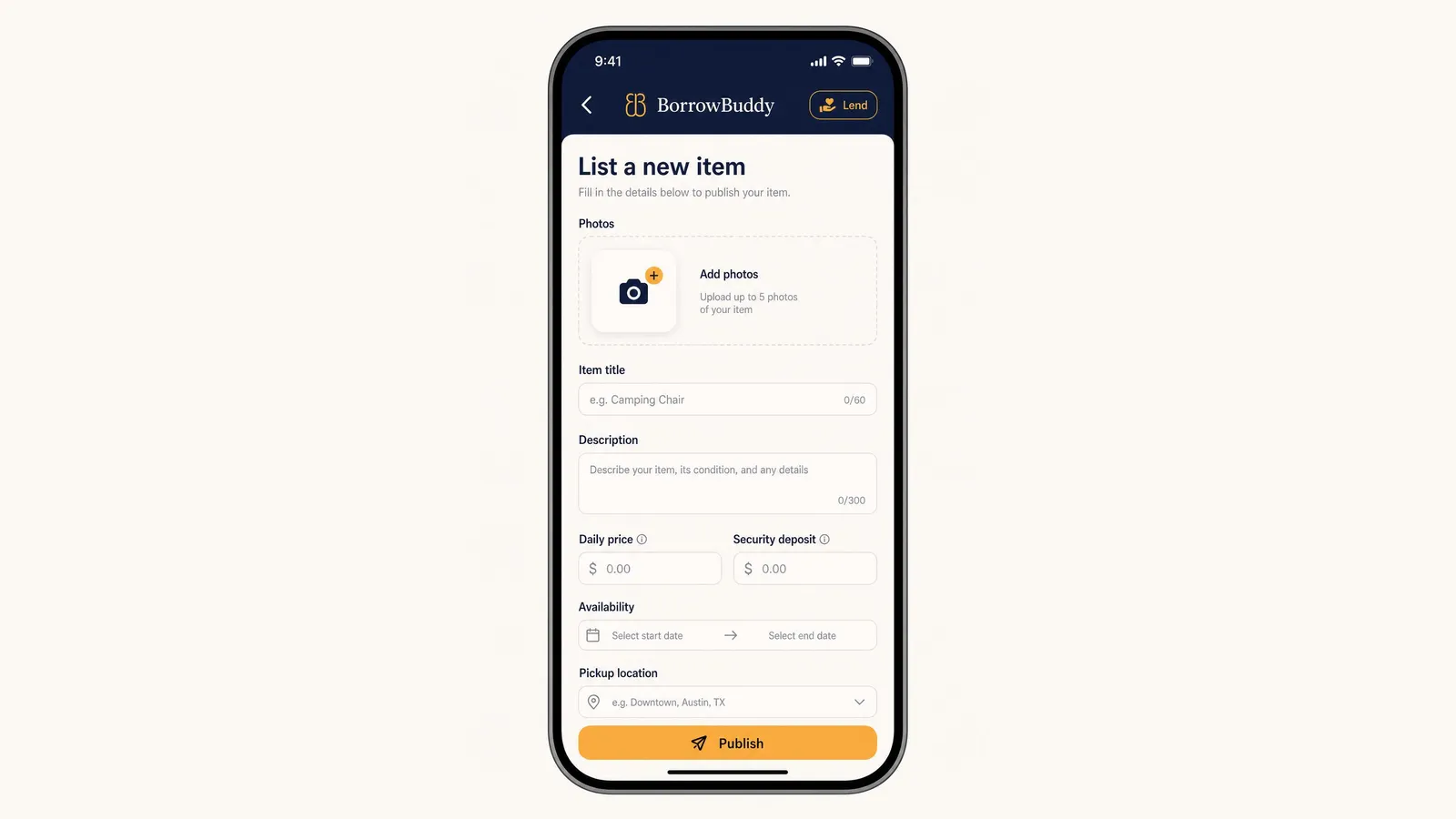
How to List an Item and Rent It Out on BorrowBuddy
Your camera, tools and camping gear could be earning money. Here's how to list an item on BorrowBuddy in a few minutes.
Read more